|

Custom Stand Up Pouches With Window
Pouches with windows are engineered for brands that want both premium print quality and product visibility. Whether you need a small viewing strip or a custom shape, a window balances high-barrier protection with shelf appeal.
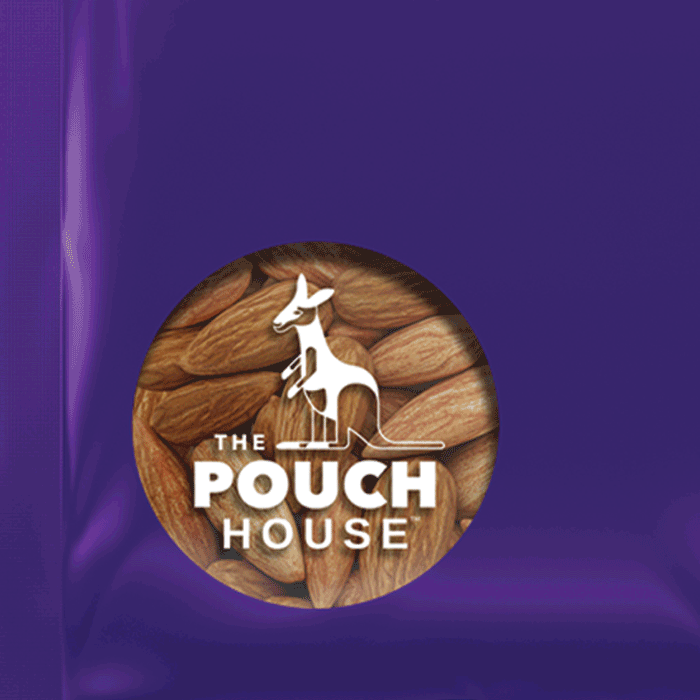
Technical Window Setup Guide
Ensure your clear window prints perfectly. Learn how to manage opacity and set up white ink spot color layers in your vector artwork.
Why Brands Choose Window Pouches
- ✔ Build consumer trust with visible product quality
- ✔ Balance transparent areas with high-barrier protection
- ✔ Highlight texture and ingredients without high costs
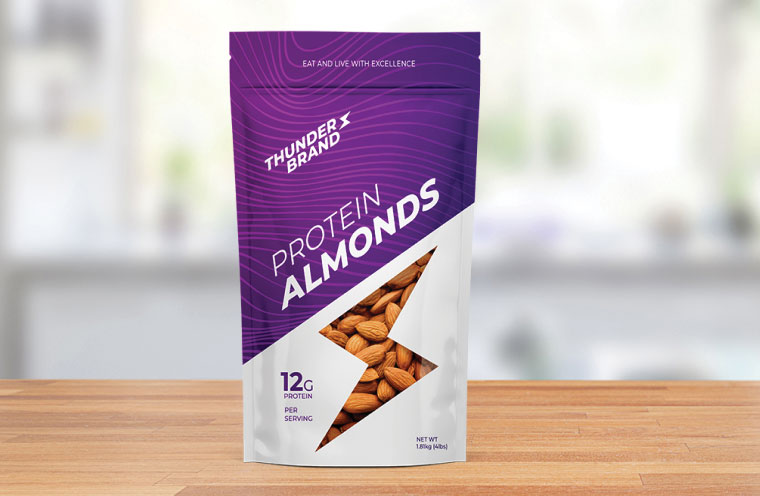
Technical Specifications for Window Pouches
How To Design Artwork For A Window Pouch
Creating a clear window requires intentional artwork layering. Follow these steps to ensure your spot color files are production-ready.
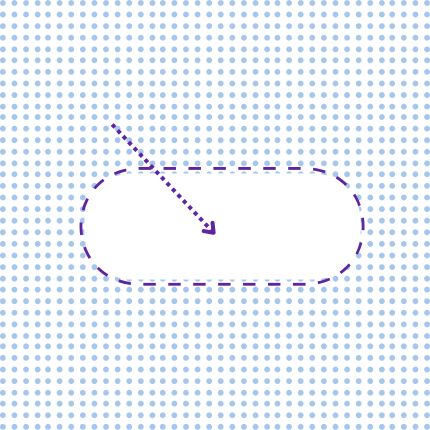
1. Define Window Shape
Place the exact window shape on its own dedicated vector layer. Use a distinct stroke color to separate it from your main graphics.
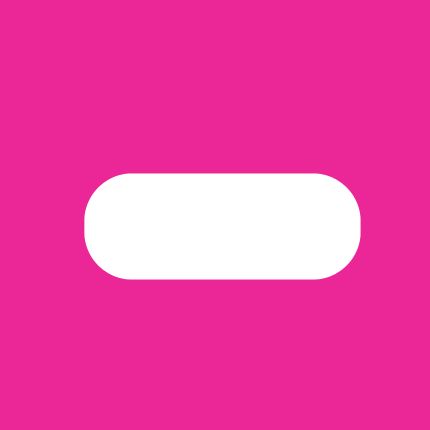
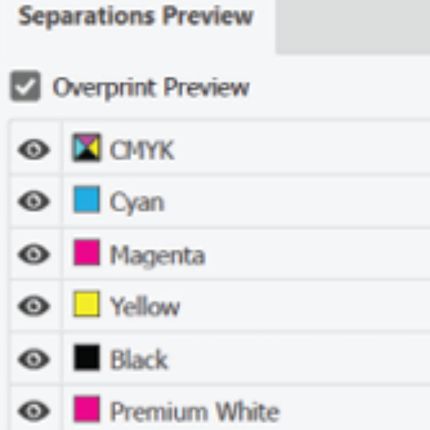
2. Set White Ink Layer
Create a Spot Color swatch named "White_Ink." Apply this to your printed areas while keeping the window shape empty for 100% transparency.
3. Production Review
Our team verifies ink adhesion and film compatibility. We ensure your design provides visibility without compromising shelf-life.
Window Pouch FAQ
Is there an extra cost for clear windows?
No. A custom window is essentially a free embellishment. Since we use clear high-barrier film as the base, it costs the same as a fully printed pouch if your layers are set up correctly.
Will my printed colors look different on clear material?
When printing on clear film, we use a white ink base to maintain color opacity. This prevents your design from looking "ghosted" or washed out against your product.
Do window pouches reduce product shelf life?
Not when engineered correctly. We select performance barrier films that block oxygen and moisture, and we address concerns like UV exposure or window fogging during the design phase.
Can I customize the shape of the window?
Yes! From circles and squares to custom brand logos, you can designate any transparent area in your artwork dielines.